

Most engineers first encounter Cloudflare Access as a way to slap an email allowlist in front of an internal tool. That is a fine starting point. But the real capability sits deeper: Access can enforce identity conditions drawn from external systems, including community platforms, and it can do so without modifying a single line of your application code.
This article walks through what Cloudflare Access actually is at a protocol level, where identity-based policies fit into it, and two distinct authentication patterns worth understanding: OIDC-backed community-scoped access and mutual TLS for machine-to-machine authentication. Both patterns surface issues that the official documentation skips over.
What Cloudflare Access Actually Does
Cloudflare Access is part of Cloudflare One, the company's Zero Trust Network Access (ZTNA) offering. The core idea is simple: move authentication in front of your application rather than inside it. Every request to a protected hostname hits Cloudflare's edge first. If no valid session token exists, Access redirects the user through an identity provider (IdP) flow. If the resulting identity satisfies the configured policy, Access issues a signed JWT and lets the request through.
That signed JWT matters. It arrives at your origin as a Cf-Access-Jwt-Assertion header. Your backend can validate it against Cloudflare's public keys, which means the application itself never needs to implement an auth flow. It just checks a header.
The architecture at a high level:
- Cloudflare edge intercepts all requests to a protected hostname.
- If no valid Access session cookie exists, the user is sent to the team domain login page.
- The user authenticates via a configured IdP.
- Access evaluates the resulting identity claims against one or more policies.
- On success, a short-lived JWT is issued and the request continues to origin.
The critical detail here is step four. Policies in Access are not just "allow this email address." They are logic conditions evaluated against identity claims. Those claims can come from any OIDC-compliant IdP, which means you can gate access on group membership, role, organization, or any custom attribute the IdP can assert.
The Team Domain and Why It Matters
Every Cloudflare One account has a team domain. It looks like yourteam.cloudflareaccess.com. This is the hostname under which the Access login UI lives, where IdP callbacks land, and where session cookies are scoped.
When you set up a Discord OAuth application, for example, you register the callback URL as https://yourteam.cloudflareaccess.com/cdn-cgi/access/callback. Cloudflare handles the OAuth round-trip internally. Your application never sees a redirect to Discord and back. The team domain absorbs that complexity.
Note your team name down early. It appears repeatedly in IdP configuration URLs, Worker routes, and callback registration.
Pattern One: Community-Scoped Access via Discord OIDC
This pattern solves a problem that comes up more often than you might expect: you want to restrict a web application to members of a specific Discord server (called a guild in Discord's API). The users are not employees. You have no corporate IdP. You just want members of a particular community to be able to log in, and everyone else to be blocked.
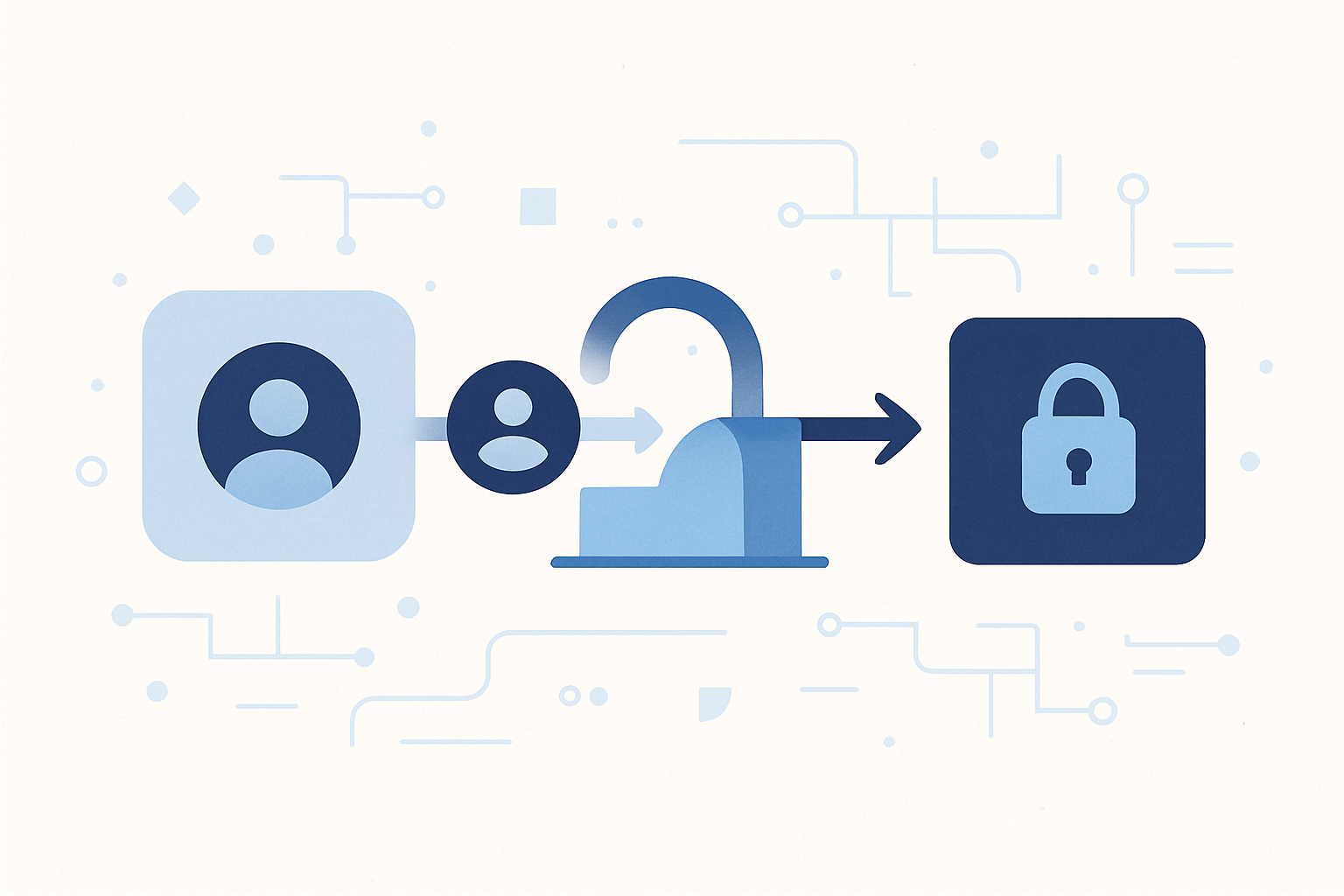
The complication is that Discord's OAuth 2.0 implementation is not natively OIDC-compliant. Access requires an OIDC provider. So the solution involves a lightweight proxy deployed on Cloudflare Workers that wraps Discord's OAuth endpoints with an OIDC-compatible interface.
The OIDC Wrapper Worker
The open-source project discord-oidc-worker by Erisa handles this translation layer. It exposes standard OIDC endpoints, accepts Discord credentials in its configuration, and issues JWTs that Cloudflare Access can validate. The worker needs three things: a Discord Application ID, the corresponding client secret, and a KV namespace to store signing keys.
Here is the configuration flow:
First, create a Discord application in the developer portal. Set the OAuth redirect URL to your Access callback:
https://YOUR_TEAM_NAME.cloudflareaccess.com/cdn-cgi/access/callbackSave the Application ID and client secret.
Second, create a KV namespace in your Cloudflare account. The worker uses this to persist JWKS signing keys between invocations. Note the namespace ID.
Third, clone the worker repository and configure it:
# wrangler.toml
name = "discord-oidc"
main = "worker.js"
compatibility_date = "2023-12-01"

kv_namespaces = [
  { binding = "KV", id = "YOUR_KV_NAMESPACE_ID" }
]
// config.json
{
"clientId": "YOUR_DISCORD_APPLICATION_ID",
"clientSecret": "YOUR_DISCORD_CLIENT_SECRET",
"redirectURL": "https://YOUR_TEAM_NAME.cloudflareaccess.com/cdn-cgi/access/callback",
"serversToCheckRolesFor": []
}Deploy with Wrangler:
npm install
npx wrangler deploy
After deployment, the worker exposes three endpoints that Access needs:
| Endpoint | Path |
|---|---|
| Authorization | /authorize/guilds |
| Token exchange | /token |
| JWKS (public keys) | /jwks.json |
All three are hosted under discord-oidc.YOUR_TEAM_NAME.workers.dev.
Registering the IdP in Cloudflare One
In the Cloudflare One dashboard, navigate to Settings > Authentication > Identity Providers, then add a new provider and select OpenID Connect.
Fill in the fields:
- App ID: your Discord Application ID
- Client Secret: your Discord client secret
- Auth URL: `https://discord-oidc.YOUR_TEAM_NAME.workers.dev/authorize/guilds`
- Token URL: `https://discord-oidc.YOUR_TEAM_NAME.workers.dev/token`
- Certificate URL: `https://discord-oidc.YOUR_TEAM_NAME.workers.dev/jwks.json`
Under Optional Configuration, add the following OIDC claims:
| Claim | Description |
|---|---|
id | Discord user ID |
preferred_username | Discord username including discriminator |
name | Display name |
guilds | List of guild (server) IDs the user belongs to |
The guilds claim is the one you will filter on in the policy. Save the provider.
Writing the Policy
Navigate to Access > Policies and create a new policy. The structure has two rule sections: Include and Require.
The Include rule defines who is eligible: set the selector to "OIDC Claims", the claim name to guilds, and the value to the Discord server ID you want to allow. You can find a server ID by enabling Developer Mode in Discord's settings and right-clicking the server name.
The Require rule enforces that authentication happened via the Discord IdP: set the selector to "Login Method" and the value to the name you gave the OIDC provider earlier.
Without the Require rule, a user who authenticates through a different IdP but happens to have a claim matching the guild ID could theoretically satisfy the Include condition. Pinning the login method closes that gap.
Attaching the Policy to an Application
Under Access > Applications, create a new Self-hosted application. Enter the hostname you want to protect, select the policy you just created, and restrict the allowed identity providers to the Discord OIDC provider.
Once saved, any request to that hostname without an active Access session will be redirected to a Cloudflare-hosted login page. The user clicks "Login with Discord", authorizes the OAuth scope, and Access validates whether their guild membership claim contains the required server ID. Members of the server get in. Everyone else sees a deny page.
Takumi's Take: The
guildsclaim works correctly at login time, but it does not revalidate on every request. Cloudflare Access sessions last up to 24 hours by default. If someone is kicked from the Discord server, they retain access until their session expires. For community tooling this is often acceptable. For anything with real security stakes, tighten the session duration in the Access application settings, or add a periodic re-authentication requirement. The gap between social identity and session validity is a footgun that bites teams slowly.
Pattern Two: mTLS for Machine Authentication
OIDC handles human users well. Machine-to-machine communication is a different problem. You cannot send a human through a Discord OAuth flow to authenticate an IoT sensor or a background worker. For that, you need a cryptographic credential bound to the client itself. That is where mutual TLS (mTLS) comes in.
What mTLS Adds Over Standard TLS
Standard TLS authenticates the server to the client. The client verifies that the server's certificate is valid and issued by a trusted CA. The client itself remains unauthenticated at the TLS layer.
mTLS extends this: during the TLS handshake, the client also presents a certificate. The server verifies it. If the certificate is invalid or absent, the handshake fails before any HTTP is exchanged. For Cloudflare Workers, this means the Worker never receives the request at all when the mTLS check fails at the Cloudflare edge.
This is a meaningful security property. The request does not reach your application code. There is no HTTP 401 to parse, no error to handle, no log entry at the application level. The connection is terminated at the edge.
Certificate Options on Cloudflare
Cloudflare offers two paths for client certificates in mTLS:
The first path uses Cloudflare-issued certificates. These are available on free plans, with a limit on the number you can issue. Cloudflare's CA is pre-trusted by its own edge, so verification succeeds cleanly.
The second path is Bring Your Own CA (BYOCA). You register your own root CA with Cloudflare, and any certificate issued by your CA is trusted. This enables per-device certificates with custom subjects, which is what you want for IoT device identification. BYOCA is an Enterprise-only feature.
This plan restriction has real consequences for teams hoping to use mTLS for individual device authentication on lower-tier plans. The constraint is not obvious until you are already mid-implementation.
Configuring mTLS Rules
In the Cloudflare dashboard, navigate to your domain's Security settings and create a custom rule. The rule expression checks two conditions: the request hostname and whether the client certificate verification failed.
(http.host eq "api.example.com" and not cf.tls_client_auth.cert_verified)Set the action to Block if you want strict enforcement. Set it to Skip if you want to allow unverified clients through to the Worker, where you can inspect the certificate details yourself.
The Block action is the right choice for production. The Skip action is useful during development or for a layered approach where the Worker handles its own secondary validation.
Accessing Certificate Data in a Worker
When a request reaches your Worker, the TLS client auth information is available on the request object:
export default {
  async fetch(request, env) {
    const tlsInfo = request.cf.tlsClientAuth;

    if (!tlsInfo || tlsInfo.certVerified !== "SUCCESS") {
      return new Response("Client certificate required", { status: 401 });
    }

    const clientSubject = tlsInfo.certSubjectDN;
    const certFingerprint = tlsInfo.certFingerprintSHA256;

    // Use the subject DN or fingerprint to identify the client
    const clientId = extractClientId(clientSubject);

    return new Response(JSON.stringify({
      authenticated: true,
      clientId,
      fingerprint: certFingerprint
    }), {
      headers: { "Content-Type": "application/json" }
    });
  }
};

function extractClientId(subjectDN) {
  // Subject DN looks like: CN=device-042,O=MyOrg,C=JP
  const match = subjectDN.match(/CN=([^,]+)/);
  return match ? match[1] : null;
}
The certVerified field returns SUCCESS when Cloudflare validates the certificate against its trusted CA chain. For self-signed certificates or certificates issued by an unregistered CA, it returns FAILED. The certificate data is still present in the request, but the verification status tells you whether Cloudflare could confirm its authenticity.
The Self-Signed Certificate Caveat
Using self-signed certificates with the Skip rule action gives you access to certificate metadata without hard verification. This sounds useful but has sharp edges.
When certVerified is FAILED, the certificate data you receive is unauthenticated. The Worker sees the claimed subject, the claimed public key, and the chain. But any of those values could have been fabricated. The certificate was presented, not proven.
To do anything meaningful with a self-signed certificate, your Worker needs to perform its own chain validation: verify that the client certificate was signed by an intermediate CA, verify that the intermediate CA was signed by a root CA you control and have stored in the Worker's configuration, and verify that the client possesses the private key by implementing a challenge-response exchange at the application layer.
That is a significant amount of custom cryptographic validation work. It is doable, but it puts the security burden back in your application code, which is the thing you were trying to avoid.
A Practical Layered Approach for Lower-Tier Plans
For teams that need mTLS-style protection without Enterprise BYOCA, a two-layer pattern works:
Layer one uses a single Cloudflare-issued client certificate shared across all trusted clients (or a small set of certs). This gets you hard mTLS enforcement at the Cloudflare edge. Any request without a valid Cloudflare-issued certificate is dropped before reaching your Worker.
Layer two uses per-device self-signed certificates handled entirely at the application layer. Once a request passes the mTLS edge check, your Worker validates the self-signed certificate in the request body or a custom header, implementing proof-of-possession via a challenge-response mechanism you control.
This is not as clean as BYOCA. But it does give you two independent rejection points: one at the edge, one in code. An attacker who somehow acquires a valid Cloudflare-issued certificate still cannot impersonate a specific device because they do not have that device's private key.
Takumi's Take: Browser-based mTLS on Cloudflare is genuinely unstable in the current state, across Chrome and Firefox both. Chrome requires disabling QUIC to reliably prompt for the client certificate, and sessions expire in ways that require a full browser restart to recover. This is not a configuration problem you can solve your way out of. mTLS on Cloudflare is a solid choice for API clients and IoT devices communicating over curl or SDK-based HTTP. Do not build a human-facing browser workflow on top of it and expect it to behave consistently in production.
Choosing Between the Two Patterns
The choice between OIDC-based human authentication and mTLS machine authentication is not technical preference. It is determined by the nature of the client.
Human users with browsers benefit from OIDC. The redirect-based flow works well, session cookies persist correctly, and the identity claims system lets you express complex membership conditions without touching your application. Discord OIDC specifically is a good fit for community-gated tools, internal dashboards shared with trusted external collaborators, or beta programs where membership is managed through a Discord server.
Machines benefit from mTLS. No human is present to click through an OAuth flow. The credential is a certificate embedded in the client at provisioning time. The verification is cryptographic, not session-based. The failure mode is a dropped TLS handshake, not a redirect loop.
Some systems need both. A web application that also exposes an API used by automated clients is a common case. In that topology, you attach an Access policy with OIDC authentication to the frontend hostname, and you configure mTLS rules on the API subdomain. Cloudflare handles both authentication layers independently at the edge.
What Sits Behind the JWT
One thing worth internalizing: when Access issues a JWT to a successfully authenticated user, your origin application receives that token. You can extract the claims from it to make application-level authorization decisions.
For the Discord OIDC pattern, the JWT payload includes the OIDC claims you configured, including guilds. Your application can read the guild list and make fine-grained authorization decisions beyond the binary allow/deny that Access enforces. A user might be a member of the required server (which passes the Access policy) but not a member of an admin role within that server (which your application can check separately from the JWT claims).
For mTLS, the JWT is absent because there is no login flow. But the Worker receives request.cf.tlsClientAuth on every request. That object contains enough information to map a certificate to an internal client identity, which your application logic can then use.
Neither pattern removes the need for application-level authorization logic entirely. Access moves authentication out of your code. Authorization still lives wherever it belongs for your domain.
The architectural discipline these patterns enforce is worth more than the individual feature set. When authentication is not tangled up in your application, you can change IdPs, tighten policies, rotate certificates, and add new protected applications without touching application code. That operational flexibility compounds over time in ways that are easy to underestimate from the outside.