
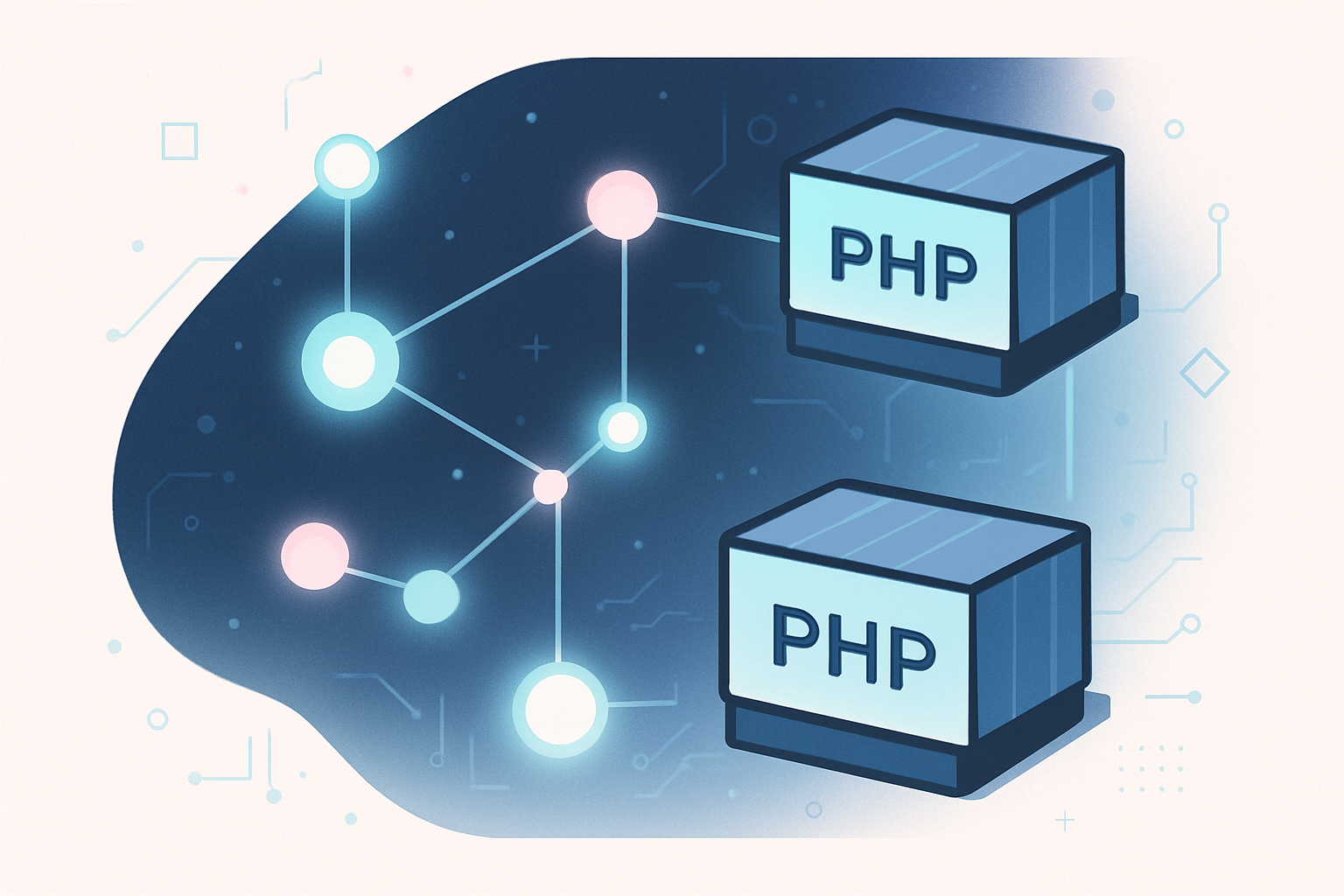
PHP has always felt like a second-class citizen on the modern edge compute landscape. When you look at Cloudflare Workers, the documentation, the community examples, and the tooling all orbit JavaScript and TypeScript. Rust gets a nod. Python recently joined the party. PHP? Until recently, the honest answer was: not really.
That changed with Cloudflare Containers and the maturation of FrankenPHP. Today you can run a real PHP application on Cloudflare infrastructure, served from edge nodes worldwide, backed by persistent storage, and stay comfortably within the free or low-cost tier for personal projects and moderate production workloads. This article walks through how that works, why the architecture makes sense, and where you will hit friction.
Why PHP on Cloudflare Was Hard Before
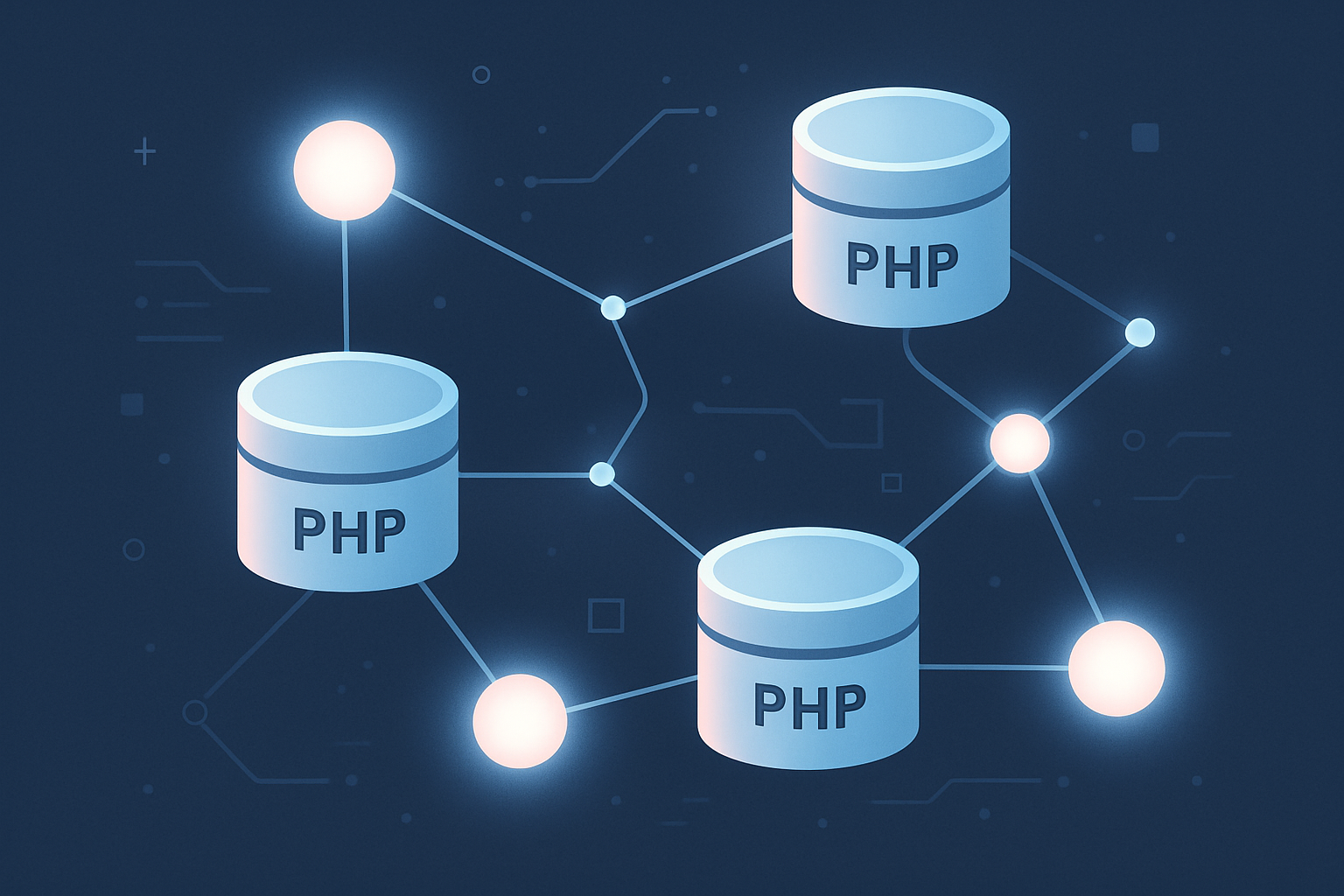
Cloudflare Workers runs on the V8 isolate model. Code executes inside a stripped-down JavaScript runtime, and that runtime is intentionally hostile to long-lived processes, filesystem access, and anything that smells like a traditional server. PHP needs all three of those things. A standard PHP-FPM setup expects a persistent process pool, writable temp directories, and a conventional request lifecycle that V8 isolates simply do not offer.
The previous workaround was to put a Cloudflare Worker in front of a PHP app hosted elsewhere. You got the CDN and DDoS protection benefits, but you were still paying for a separate compute layer to actually run the PHP. The edge was just a proxy.
Cloudflare Containers changes the model. Containers are actual Docker containers running on Cloudflare's infrastructure, orchestrated through Workers. A Worker handles the incoming request, routes it to the container, and the container runs whatever runtime you want. PHP, Java, Go binaries, anything you can containerize. The V8 constraint disappears because containers operate outside the isolate sandbox.
FrankenPHP: The Missing Piece
FrankenPHP is a PHP application server built on top of Caddy. It embeds PHP directly into a Go binary, which gives you a single self-contained process that handles HTTP and runs PHP without needing a separate web server or FPM pool. The resulting Docker image is compact, the startup time is fast, and the configuration surface area is smaller than a traditional Nginx plus PHP-FPM setup.
For a Cloudflare Container deployment, these properties matter. Container startup latency affects your cold-start experience. A smaller image means faster pulls. A single process means simpler health check configuration.
Installing FrankenPHP via Docker looks like this:
FROM dunglas/frankenphp:latest

WORKDIR /app

COPY composer.json composer.lock ./
RUN composer install --no-dev --optimize-autoloader

COPY . .

ENV SERVER_NAME=":8080"
EXPOSE 8080
That is a minimal production-ready base. Your application code lands in /app, dependencies are installed without dev packages, and the server listens on port 8080. Cloudflare Containers will forward traffic to whatever port your container exposes.
For a Laravel application, you would also set the document root to the public directory:
FROM dunglas/frankenphp:latest

WORKDIR /app

COPY composer.json composer.lock ./
RUN composer install --no-dev --optimize-autoloader

COPY . .

ENV SERVER_NAME=":8080"
ENV FRANKENPHP_CONFIG="worker ./public/index.php"
ENV APP_ENV=production
ENV APP_DEBUG=false

EXPOSE 8080
The FRANKENPHP_CONFIG variable activates worker mode, which keeps the PHP application bootstrapped in memory between requests. For frameworks like Laravel this can provide meaningful throughput improvements, though you need to audit your application for statefulness issues first.
The Storage Question: R2 Over D1
Once you have a container running PHP, you need somewhere to put data. Cloudflare offers D1, their SQLite-compatible serverless database. It is the obvious first choice, and for many workloads it works well. But it is not always the right tool.
Consider a workload with this profile: writes happen a handful of times per day via a scheduled batch job, and reads are the overwhelming majority of traffic. A leaderboard, a ranking aggregation, a content snapshot updated on a cron schedule. For this pattern, D1 introduces latency and per-request cost that you do not actually need.
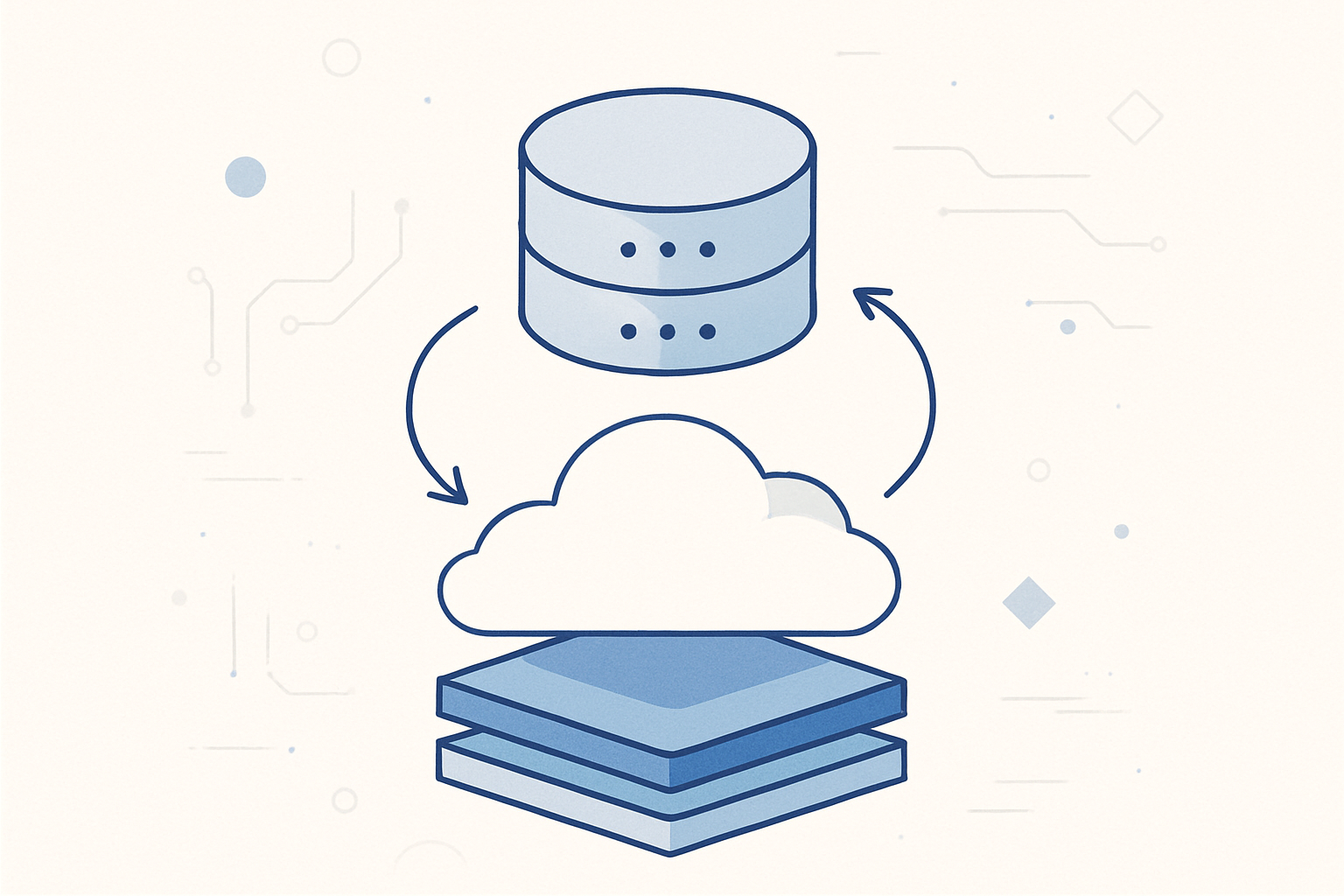
An alternative pattern stores a SQLite file directly in Cloudflare R2, Cloudflare's S3-compatible object storage. The application downloads the file from R2 on container startup, reads from it locally throughout the session, and after each batch write pushes the updated file back to R2. Local SQLite reads are fast. R2 storage is cheap. The only tradeoff is eventual consistency across container instances, which for a read-heavy ranking workload is completely acceptable.
The lifecycle in code looks like this:
<?php

namespace App\Infrastructure\Storage;

use Aws\S3\S3Client;

class R2SqliteBridge
{
    private string $localPath;
    private S3Client $client;
    private string $bucket;
    private string $objectKey;

    public function __construct(
        string $localPath,
        S3Client $client,
        string $bucket,
        string $objectKey
    ) {
        $this->localPath = $localPath;
        $this->client = $client;
        $this->bucket = $bucket;
        $this->objectKey = $objectKey;
    }

    public function fetchFromR2(): void
    {
        $result = $this->client->getObject([
            'Bucket' => $this->bucket,
            'Key'    => $this->objectKey,
        ]);

        file_put_contents($this->localPath, $result['Body']);
    }

    public function pushToR2(): void
    {
        $this->client->putObject([
            'Bucket'     => $this->bucket,
            'Key'        => $this->objectKey,
            'SourceFile' => $this->localPath,
        ]);
    }

    public function openConnection(): \PDO
    {
        return new \PDO('sqlite:' . $this->localPath);
    }
}
You call fetchFromR2() during application bootstrap, use openConnection() throughout normal request handling, and call pushToR2() at the end of a batch operation. The S3Client works with R2 because R2 exposes an S3-compatible API. Set the endpoint URL to your R2 account endpoint in the client configuration.
Takumi's Take: The R2-backed SQLite pattern is elegant for low-write workloads, but it breaks down the moment you have multiple container instances that each try to write concurrently. Cloudflare Containers can scale horizontally. If your batch job runs on a schedule and you only ever have one container doing writes at a time, you are probably fine. The moment that assumption breaks, you will corrupt the database. Build in a mutex via a Workers KV key or enforce single-writer semantics at the scheduling layer before you go to production.
Wiring the Worker to the Container
The Cloudflare Containers integration requires a Worker that proxies requests into the container. The Workers runtime handles the public-facing edge layer, and the container handles the actual PHP execution.
A minimal wrangler.toml for this setup looks like this:
name = "my-php-app"
main = "src/index.ts"
compatibility_date = "2025-01-01"

[containers]
binding = "MY_CONTAINER"
class_name = "PhpAppContainer"

[[containers.instances]]
image = "./Dockerfile"
max_instances = 2
The Worker script itself is thin. It receives the request and forwards it to the container:
import { Container } from "cloudflare:containers";

export class PhpAppContainer extends Container {
  defaultPort = 8080;
  sleepAfter = "5m";
}

export default {
  async fetch(
    request: Request,
    env: { MY_CONTAINER: DurableObjectNamespace }
  ): Promise<Response> {
    const containerId = env.MY_CONTAINER.idFromName("primary");
    const stub = env.MY_CONTAINER.get(containerId);
    return stub.fetch(request);
  },
};
The sleepAfter value tells the runtime to suspend the container after five minutes of inactivity, which keeps costs near zero for personal projects with irregular traffic patterns.
For a read-heavy application where cold starts matter more, you might remove the sleep timeout and accept the always-on cost. At the pricing tier Cloudflare Containers runs at, always-on for a low-traffic personal project still lands under the free allowance for most months.
Scheduled Batch Jobs with Cron Triggers
A Workers Cron Trigger handles scheduled tasks. For the R2 SQLite pattern, the batch job that refreshes the database runs as a scheduled handler in the Worker:
export default {
  async fetch(
    request: Request,
    env: { MY_CONTAINER: DurableObjectNamespace }
  ): Promise<Response> {
    const containerId = env.MY_CONTAINER.idFromName("primary");
    const stub = env.MY_CONTAINER.get(containerId);
    return stub.fetch(request);
  },

  async scheduled(
    controller: ScheduledController,
    env: { MY_CONTAINER: DurableObjectNamespace },
    ctx: ExecutionContext
  ): Promise<void> {
    const containerId = env.MY_CONTAINER.idFromName("primary");
    const stub = env.MY_CONTAINER.get(containerId);

    const batchRequest = new Request("http://internal/batch/refresh", {
      method: "POST",
      headers: { "X-Cron-Secret": env.CRON_SECRET },
    });

    await stub.fetch(batchRequest);
  },
};
On the PHP side, the /batch/refresh route validates the secret header and runs the data aggregation, then calls pushToR2() before returning. Keep that endpoint off the public routing table by checking the header before dispatching.
In wrangler.toml, register the trigger:
[triggers]
crons = ["0 */6 * * *"]
This fires every six hours. Adjust to your data freshness requirements.
Deployment and Local Development
Local development with Cloudflare Containers requires Wrangler 4 or later and Docker running locally. The development server spins up the container alongside the Workers runtime:
wrangler dev --port 8787The first run pulls and builds the image, which takes time. Subsequent runs use the Docker cache. Changes to PHP application code require rebuilding the image, so the inner loop is slower than hot-reloading a JavaScript Worker. This is a real friction point during active development.
A practical mitigation is to run the FrankenPHP server directly outside of Docker for local development and only test the full containerized setup when you are close to deployment. Most PHP framework features behave identically inside and outside the container, so you only need the full stack for testing storage integrations and cron routes.
Deployment is a single command:
wrangler deployWrangler builds the Docker image, pushes it to Cloudflare's container registry, and deploys the Worker. The first deploy to a fresh project triggers a full image build in Cloudflare's infrastructure. Subsequent deploys that do not change the Dockerfile or application code are faster because layer caching applies.
What Actually Breaks
This setup works better than most PHP engineers expect, but there are real constraints worth mapping before you commit to it.
First, persistent filesystem writes do not survive container restarts. If your PHP application writes log files, uploads, or session data to local disk, that data disappears when the container sleeps and restarts. You need external storage for anything you care about. Session data goes to Workers KV or a Redis-compatible binding. File uploads go to R2. Log output goes to stdout so it flows into Cloudflare's logging pipeline.
Second, extensions that rely on shared system libraries sometimes cause build complexity. If your application needs ImageMagick, certain XML processing libraries, or anything with native dependencies, expect to spend time on the Dockerfile to get the build right. The FrankenPHP base image is Alpine-based by default. Some packages require switching to a Debian base.
Third, the container model adds latency compared to a V8 Worker for fully stateless operations. A Workers KV read in a pure JavaScript Worker is measured in single-digit milliseconds. A cold container start can add hundreds of milliseconds. For applications that tolerate this or where PHP-specific features justify it, the tradeoff is fine. For latency-critical paths, it is not.
Fourth, Cloudflare Containers is still a relatively new product. The API surface and pricing have shifted since early beta access. Verify current limits and costs in the official documentation before designing a production architecture around specific numbers.
Is This Ready for Production?
For personal projects, small internal tools, and moderate-traffic public sites, yes. The combination of FrankenPHP in a Cloudflare Container, with R2-backed SQLite for read-heavy data and Cron Triggers for batch jobs, is a legitimate architecture. It runs at costs that are genuinely surprising for what you get.
For high-traffic production workloads with aggressive latency SLAs, you should benchmark carefully. Container cold starts are the main variable. With sleepAfter disabled, warm containers respond quickly. With sleep enabled, occasional cold starts hit users during quiet periods after the container suspends.
For workloads that were already running well on traditional VPS or managed PHP hosting, migrating to this setup just for the sake of using Cloudflare is probably not worth the operational change. The value proposition is strongest when you are starting fresh, want minimal operational overhead, and care about the global edge distribution that Cloudflare provides by default.
PHP on Cloudflare is no longer a compromise. It is a real deployment option with real tradeoffs that can be reasoned about. That alone represents a meaningful shift from where things stood two years ago. The engineers who dismissed this path might want to reconsider.